You can turn a website into a mobile app in three ways: make it an installable progressive web app (PWA), wrap it in a native shell and publish it to the app stores, or rebuild the interface with a cross-platform framework such as Flutter or React Native. The right one depends on what the app must do beyond what your website already does.
This guide explains each route, its trade-offs and how to choose. It comes from a Kathmandu team that builds both websites and mobile apps, so we see which route suits which business.
What 'website to app' really means
People searching for this usually want one of three outcomes: an icon on the phone's home screen, a listing in Google Play or the App Store, or a better experience than a mobile browser gives. Those are different goals with different solutions, so decide which one you actually need before you decide how to build it.
Option 1: A progressive web app (PWA)
A PWA is your website with extra capabilities: it can be installed to the home screen, open full screen, cache pages for faster repeat visits and work partly offline. There is one codebase, no app store review and updates are instant. Google's web.dev PWA course and Mozilla's PWA documentation explain the building blocks.
- Best for: content sites, catalogues, booking and dashboards where being on the home screen is enough.
- Watch for: device features and background behaviour differ between Android and iOS, so check current support for anything you need, such as push notifications. You also will not appear in the app stores unless you package it.
Option 2: A wrapper app
A wrapper puts your web code inside a native shell, using a tool such as Capacitor, and publishes it as a normal app. You keep one web codebase and gain store listings and access to device features such as the camera or notifications through plugins.
- Best for: a web product that needs a store presence and a few native features, with a small team.
- Watch for: store review. Apple's App Store Review Guidelines and Google's Play policies both expect an app to offer value beyond a repackaged website, so a thin wrapper with no added functionality risks rejection. Very animation-heavy screens can also feel less smooth than native.
Option 3: A cross-platform rebuild
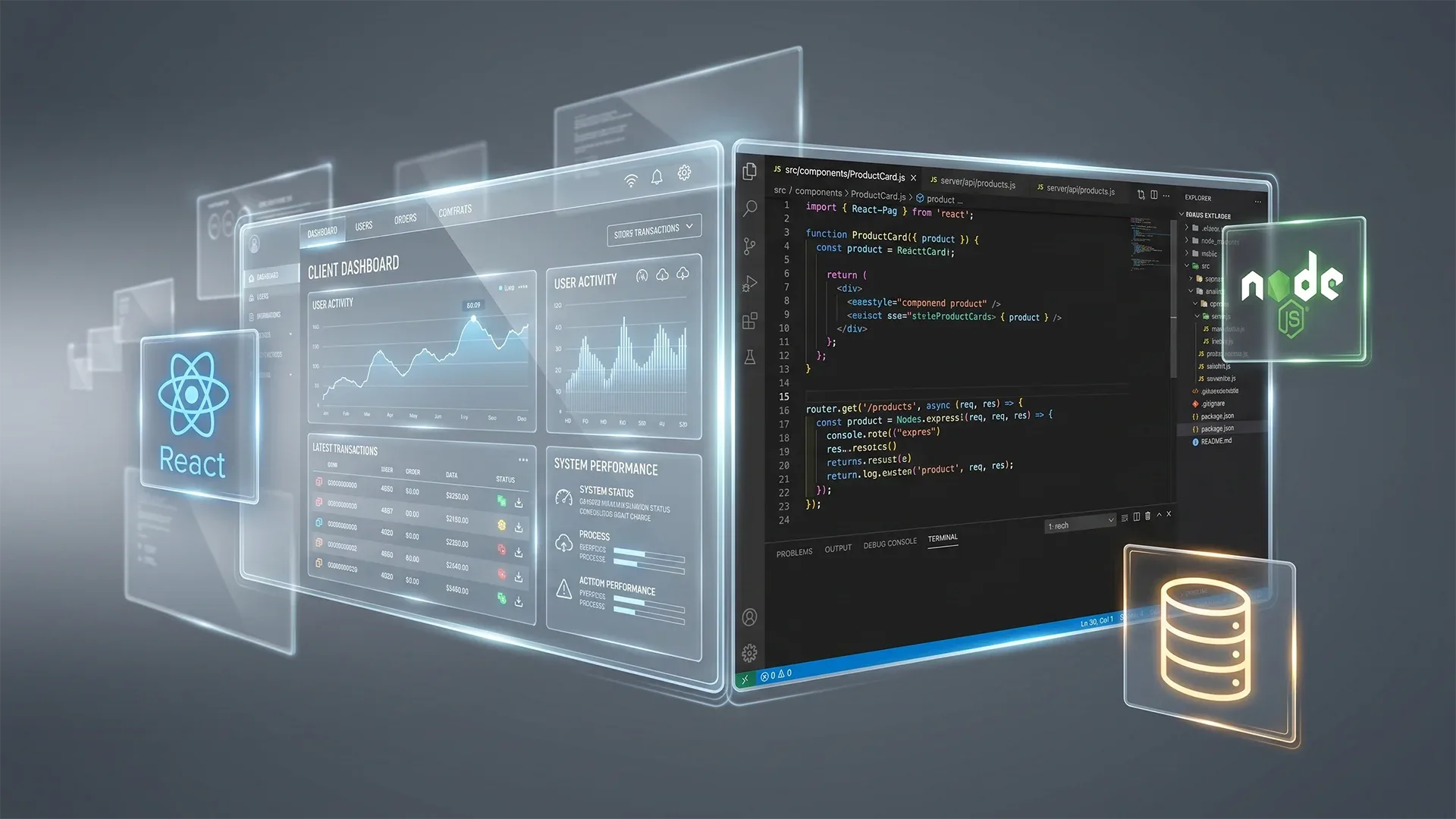
Here you rebuild the interface in a framework such as Flutter or React Native that produces real native apps for Android and iOS from one codebase, reusing your existing back end and APIs. It costs more than a wrapper and gives the best feel, performance and device access.
- Best for: an app that is the product itself: frequent daily use, rich interaction, offline work or hardware features.
- Watch for: two interfaces to maintain, the website and the app, even though they share the back end.
How to choose
- Do people need to install it? If a home-screen shortcut is enough, start with a PWA.
- Do you need to be in the app stores? A wrapper or a rebuild gets you there.
- Which device features do you need? Camera, scanning, biometrics, background location and push are easier and more reliable in a native or cross-platform app.
- How often will people use it? Daily-use tools justify a native-feeling rebuild; occasional-use sites rarely do.
- What can you maintain? One web codebase is the cheapest to keep alive; two interfaces need more people and discipline.
What to prepare before you start
- An API. If your website renders everything on the server, the app needs a clean API to talk to. Building it is often the largest part of the work.
- Login and accounts. Decide how users sign in, and how sessions behave on a phone.
- Store accounts and policies. A Google Play developer account, an Apple Developer Program membership, a privacy policy and accurate data-use disclosures.
- Local payments. If people will pay in the app, confirm the payment methods your customers use and that they are permitted under each store's rules.
What drives the cost
We do not quote a number without a scope, because the drivers differ so much between projects. They are: how many screens and features the app has, whether an API must be built first, native features required, design effort, testing across devices, store submission and the support you want after launch. A PWA is usually the least expensive route and a full cross-platform rebuild the most.
Common mistakes
- Wrapping a slow website and expecting the app to feel fast. Fix the website's speed first.
- Submitting a site with no app-specific value to the stores.
- Skipping analytics and crash reporting, then flying blind after launch.
- Treating launch as the finish line. Apps need updates for new phone versions and store rules.
Next steps
If you are not sure which route fits, tell us about your website and your goal and we will recommend one with a rough scope. You can also read our guide to adding AI to business software, or learn to build apps yourself in our mobile app development course.
Sources and further reading
- web.dev: Learn Progressive Web Apps
- MDN: Progressive web apps
- Capacitor: Cross-platform native runtime for web apps
- Flutter: flutter.dev and React Native: reactnative.dev
- Apple: App Store Review Guidelines
- Google Play: Developer Content Policy
Have a project in mind?
Tell us what you're trying to solve. Or keep reading: SEO for AI Search: What Google Says Still Works.