An AI agent is software that uses an AI model to decide what to do next and then uses tools to do it: searching a database, drafting an email, updating a record, calling another system. A chatbot answers a question; an agent works towards a goal across several steps. That difference is why agents are useful, and also why they need more care than a chatbot.
This guide explains where agents genuinely help a business, what can go wrong, and a safe way to start with one small use case. It is written for owners and managers in Nepal, not for engineers, though it points to the engineering questions worth asking.
What an agent actually is
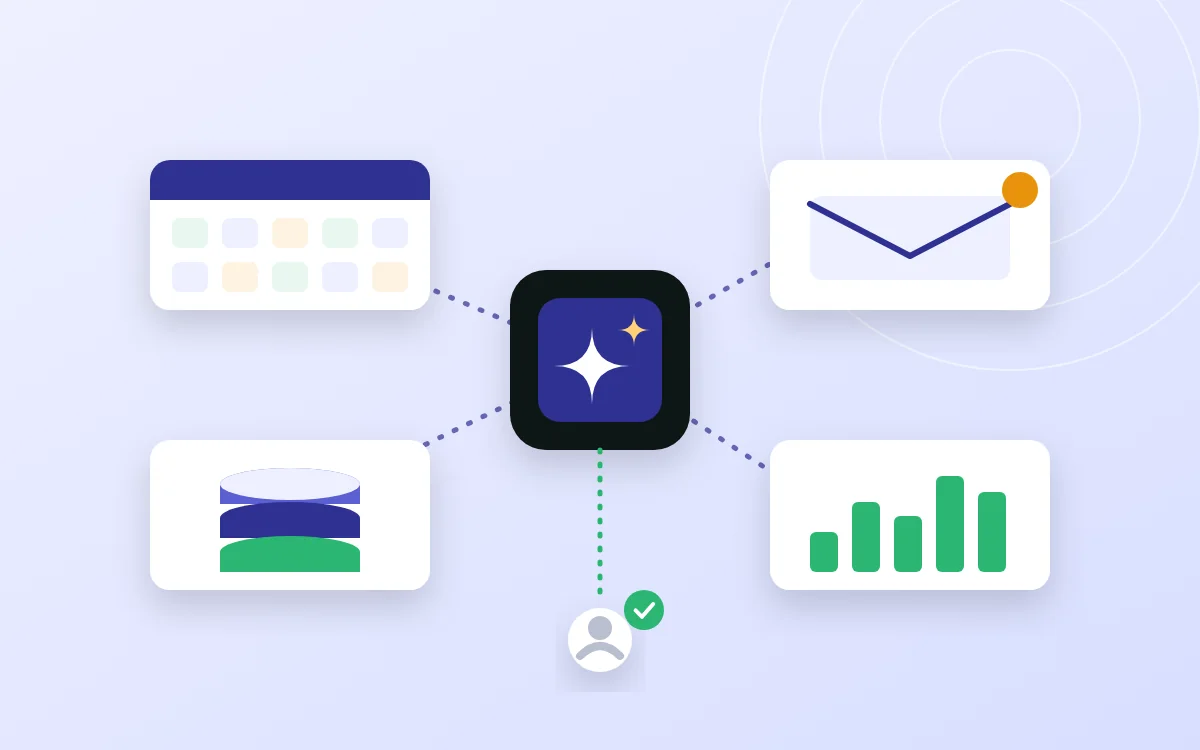
Three parts make an agent. A model reads the situation and decides on a step. Tools are the things it is allowed to do: look up an order, create a ticket, send a message. And a loop repeats the cycle until the task is finished or it asks a person for help. Remove the tools and you have a chatbot. Remove the loop and you have a single AI request.
Many agents now connect to tools through shared standards. The Model Context Protocol is an open-source standard for connecting AI applications to external systems such as data sources and tools, which saves building a custom link for every pairing. You do not need to know how it works to use an agent, but it is worth knowing the term when vendors mention it.
Where agents help
Agents suit work that is repetitive, has several steps, follows reasonably clear rules, and produces something a person can check quickly.
- Sorting and routing: reading incoming emails or support requests and sending each to the right team with a suggested reply.
- Document handling: pulling fields from invoices or forms, matching them against records, and flagging mismatches.
- Internal answers: answering staff questions from your own policies and procedures, with a link to the source.
- Reporting: gathering figures from several systems into a weekly summary for a person to review.
Where agents do not belong yet
- Decisions with legal or financial consequences that nobody reviews: approving payments, changing prices, replying to a complaint with a commitment.
- Work where mistakes are costly and hard to spot. An agent that is right 95 times out of 100 is useful for drafting and dangerous for deciding.
- Vague goals. If you cannot describe what 'done' looks like, neither can the agent.
- Messy or missing data. An agent cannot be better informed than the information you give it.
What can go wrong
The OWASP Top 10 for LLM Applications lists the main risks for systems built on AI models. Two matter most for agents. Prompt injection is when text the agent reads, such as an email, a web page or a document, contains instructions that change its behaviour. Excessive agency is when an agent has more permissions than the task needs, so one mistake or one trick can do real damage. Others on the list include sensitive information disclosure and improper handling of the model's output.
Gartner treats this as a major theme for 2027. It names AI agent identity as a trend, meaning each agent gets its own credentials and policy-controlled access, and forecasts that by 2028 about a quarter of enterprise security breaches will trace back to AI agent abuse. The practical lesson for a small business is the same: give agents narrow access, and watch what they do.
A safe way to start
- Pick one workflow. Something frequent, low-risk and boring, such as sorting support emails.
- Write down how it works today and how you will measure success: time saved, errors, customer response time.
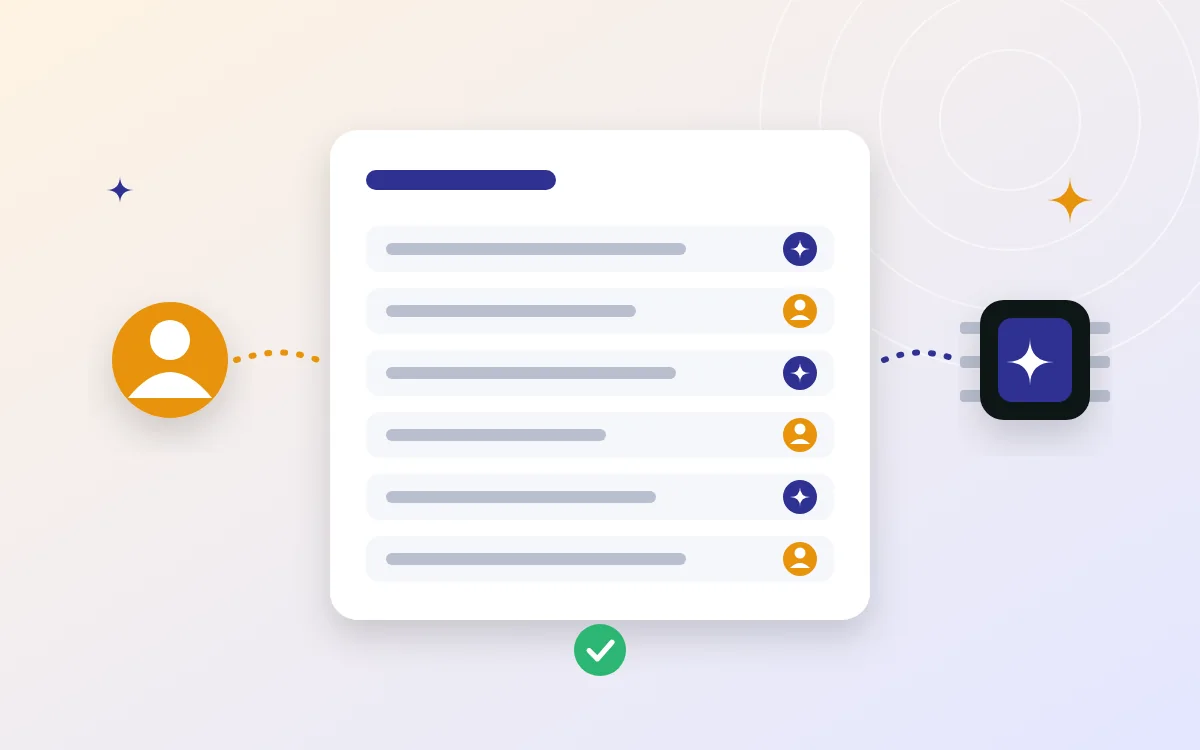
- Start in draft mode. The agent proposes; a person approves. Nothing is sent or changed without a click.
- Give it its own account and the least access it needs. Read-only where possible. Never reuse a manager's login.
- Keep a log of what it read, what it decided and what it did, so you can answer 'why did it do that?'.
- Test with real examples, including awkward ones: angry customers, mixed Nepali and English, emails that try to give it instructions.
- Review after four weeks. Compare time saved and error rate against the baseline before widening its permissions.
What it costs
We do not quote figures without a scope, because the drivers vary a great deal. They are the volume of tasks the model handles, the integration work to connect your systems, the human time spent reviewing, and ongoing monitoring and improvement. A narrow, well-defined agent is usually inexpensive to run; the larger cost is getting it connected and checked properly.
Data and privacy
Know what data the agent will see and where it is processed. Read the provider's terms on how your data is used. Avoid sending sensitive customer information to services you do not understand, and keep customer data out of any tool that has not been approved. If the tasks involve Nepali, test the model on real Nepali and mixed-language examples, as quality differs between providers.
Questions to ask a vendor
- What exactly can the agent do, and what can it not do?
- What permissions does it need, and can they be narrower?
- Where does a person approve or override it?
- Where are logs kept, and how long?
- How do you test it against prompt injection?
- What happens to our data, and can we export it and leave?
Next steps
For the broader picture of where AI fits in business software, read adding AI to business software in Nepal. If you would like a small, supervised first agent built or reviewed, see our AI automation work or contact us.
Sources and further reading
- OWASP: Top 10 for LLM Applications 2025
- Model Context Protocol: modelcontextprotocol.io
- Network World: Gartner's top tech trends for 2027
Have a project in mind?
Tell us what you're trying to solve. Or keep reading: Will AI Replace Jobs? An Honest Answer for Nepal.